




What LogMeIn Rescue makes possible with Intel vPro® management



LogMeIn Rescue brings Intel vPro® out-of-band management directly into the technician workflow — so your team can act fast, even when standard remote sessions aren't possible.
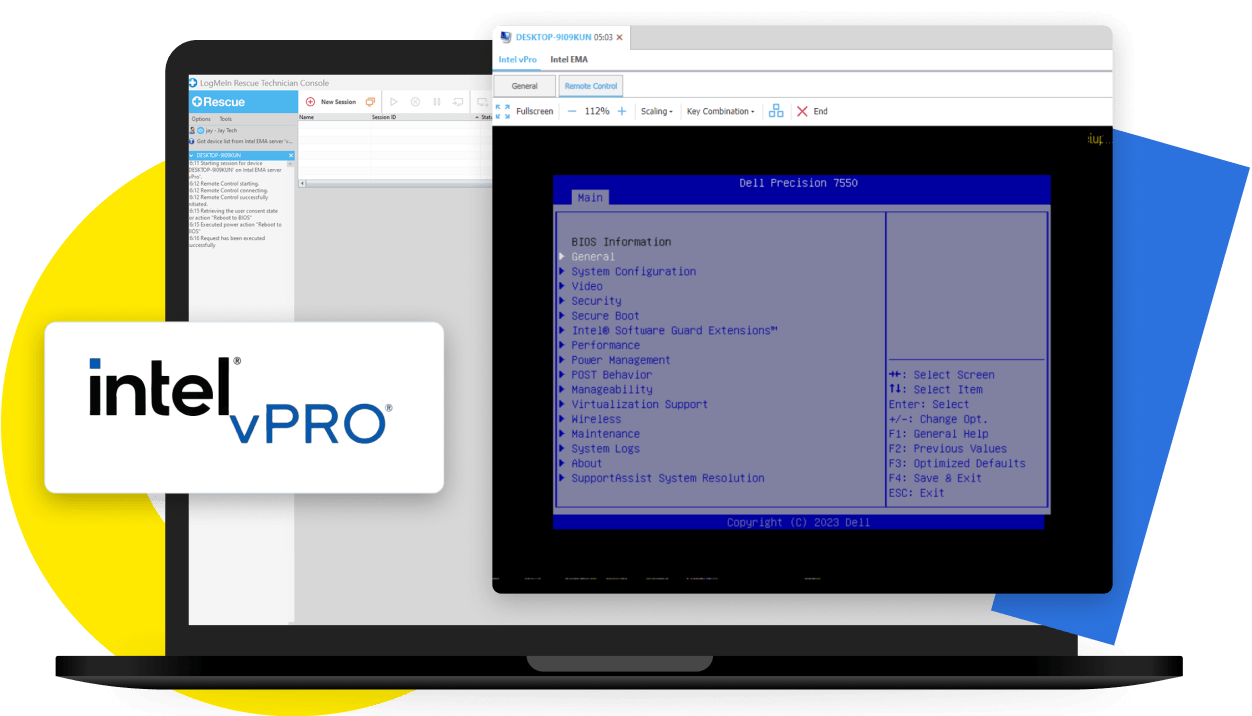
Out-of-band support has never been so simple. With LogMeIn Rescue’s Intel vPro® support, technicians can easily access and support remote devices whether they're located off-site, outside your client's firewall, or even powered off.
LogMeIn Rescue makes out-of-band support straightforward:

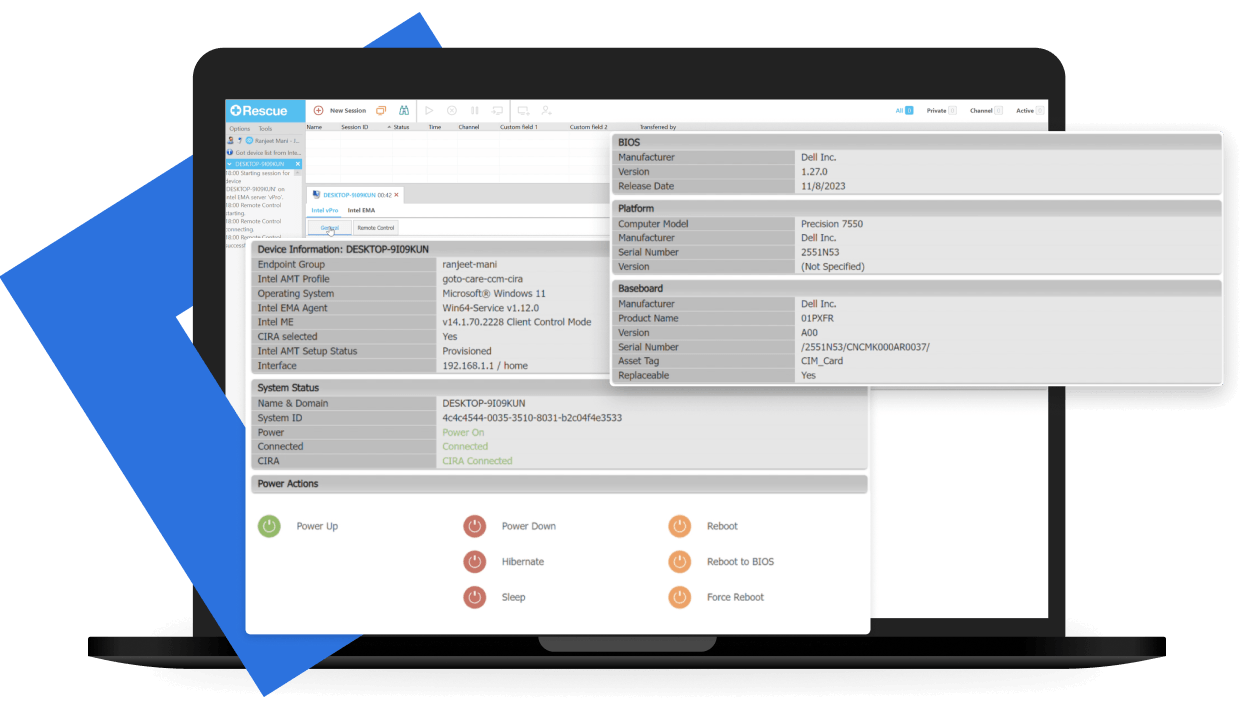
LogMeIn Rescue's native integration with Intel® Endpoint Management Assistant (EMA) is purpose-built for enterprise IT teams that empowers technicians to quickly and easily troubleshoot and manage any Intel vPro® enabled device – even if they're powered off. Using hardware-based, OS-independent capabilities – along with Intel® Active Management Technology (AMT) – any device with a network connection and a power source is within reach. This means agents can perform out-of-band actions like rebooting to BIOS, as well as KVM control, with the same workflow and UI they use for in-band support.
Manage issues directly within the Technician Console in LogMeIn Rescue, including:


What is Intel vPro® remote management?
How does LogMeIn Rescue support Intel vPro® devices?
Can LogMeIn Rescue manage devices that are powered off?
What problems can LogMeIn Rescue resolve with Intel vPro® management?
What is the difference between in-band and out-of-band remote management?